
Record Meetings on Zoom, Microsoft Teams, Google Meet & more
Productivity
Recording
Audio & Video
Browser Tools
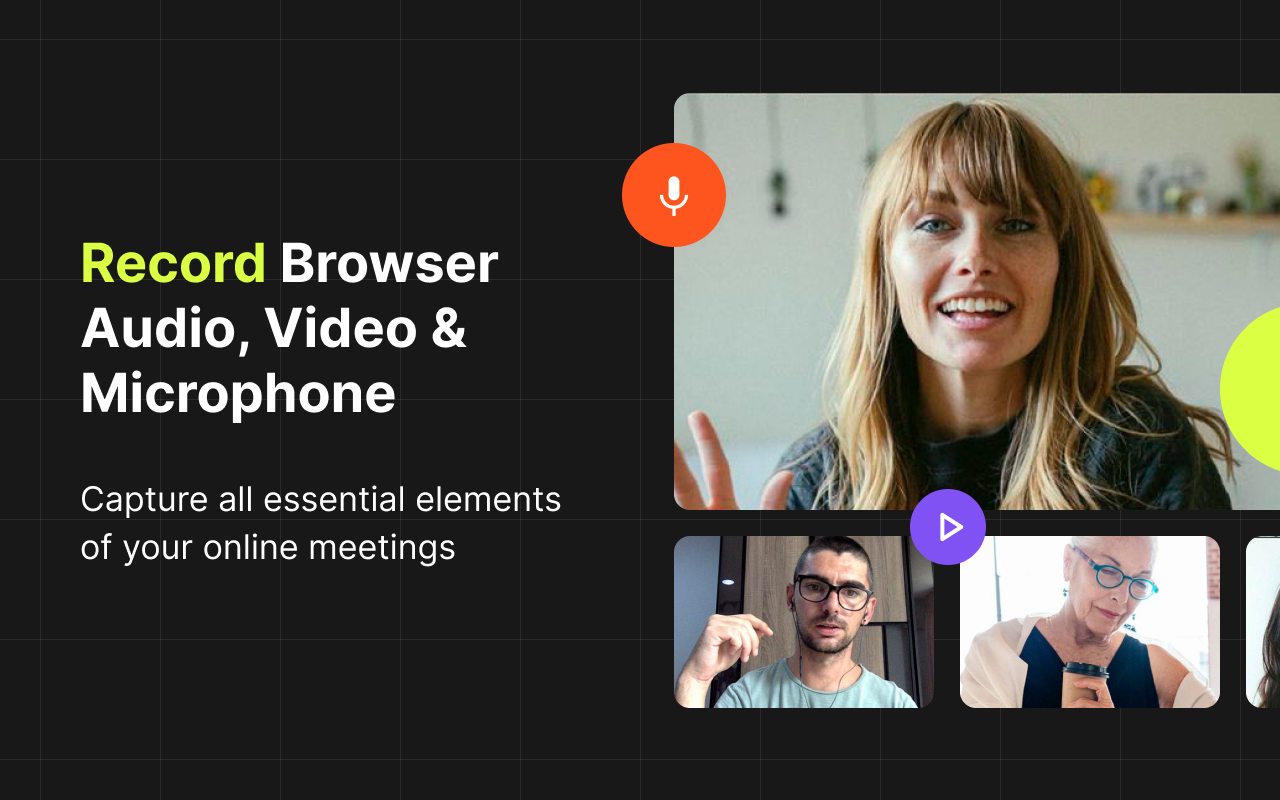
One‑click meeting recorder with built-in AI noise suppression
✨ Record any online meeting, class, webinar, or call right from Chrome Browser
- One-click recording — no account, login, or setup required.
- Works on popular platforms — Zoom (web), Google Meet, Microsoft Teams (web) and most browser-based meeting tools.
- Built-in AI noise suppression reduces keyboard, fan, and background noise.
- Recordings are saved to your computer, not to the cloud.
- Capture tab audio/video, microphone, or both.
- Install the extension by clicking the "Add to Chrome" button.
- Open your meeting in Chrome (Zoom in browser, Google Meet, Teams on the web, etc.).
- Click the Meeting Recorder extension icon.
- Choose what to capture (tab video, microphone).
- Hit Start Recording. When finished, click Stop and Save. Your file is downloaded locally.
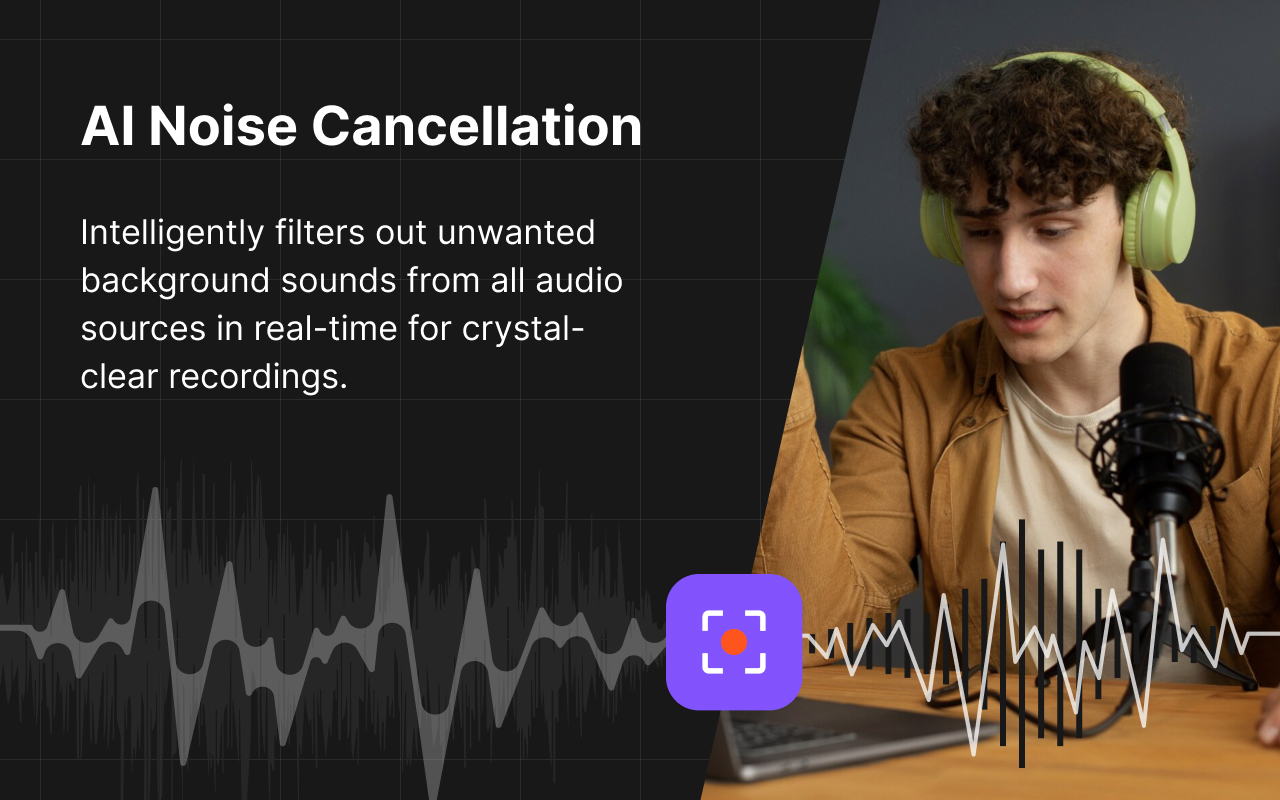
🔥 Record meetings without background noise in one click – install now!
🌐 Share with friends and colleagues who need to record noise-free meetings.
 Audio Recorder: Free & Unlimited Recordings
Capture audio from your browser and auto-download it directly to your computer in your preferred format (MP3, WebM, WAV).
 Help Me Write AI
Automate work with LLMs using configurable contexts, prompts, and recipes
 Noise Cancelling App
AI mic noise cancellation for calls, streams, and recording. Share with friends to enjoy clear sound in every conversation!
Excellent

Jan 8, 2026
it works very well, very simple very reliable, 💯💯.

Nov 14, 2025