Check Out Our Extension with Your Camera
Check framing and quality, then open the extension to preview backgrounds, blur, lighting, and more.
Now add an effect
Open AI Webcam Effects from the Chrome toolbar, turn it on, and choose an effect. You’ll see the result in the camera preview above.
See the 3-step setup guide →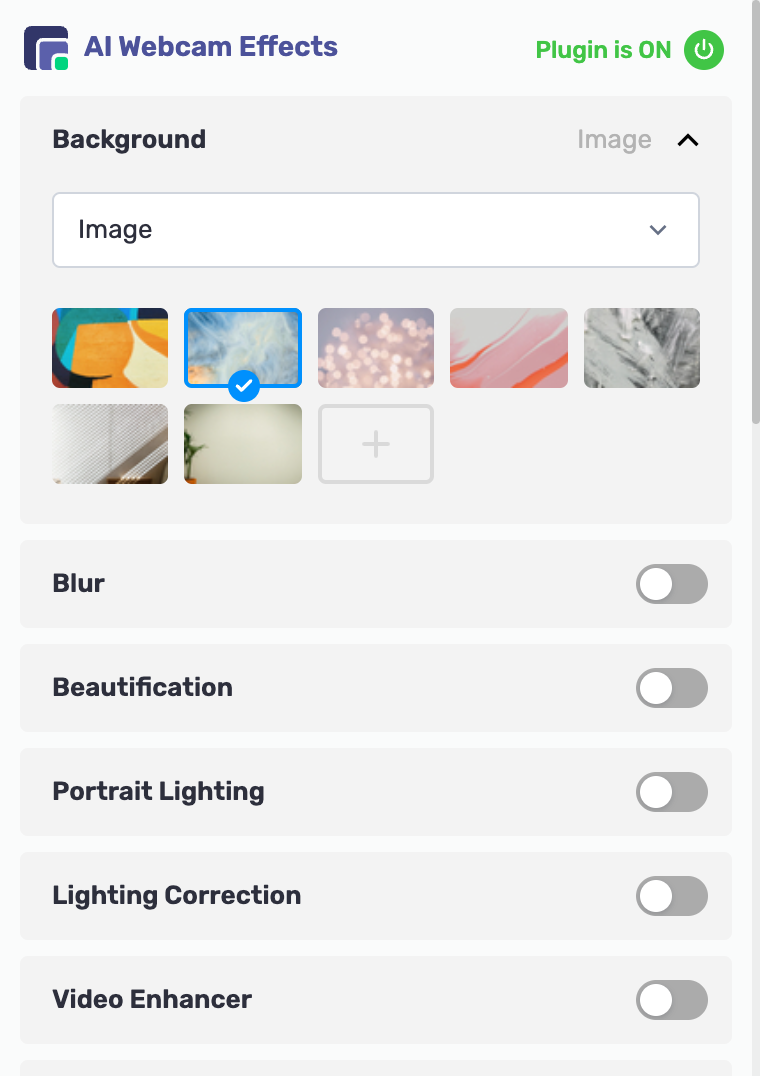

Need assistance or have suggestions?
Our support team is here to help! Contact us at [email protected]